DP Cable vs HDMI Cable: How to Choose
Previously, we have discussed multiple times the technical details of HDMI cables, including bandwidth, shielding and certification, with the content mainly focused on home theater scenarios. Recently

Previously, we have discussed multiple times the technical details of HDMI cables, including bandwidth, shielding and certification, with the content mainly focused on home theater scenarios. Recently
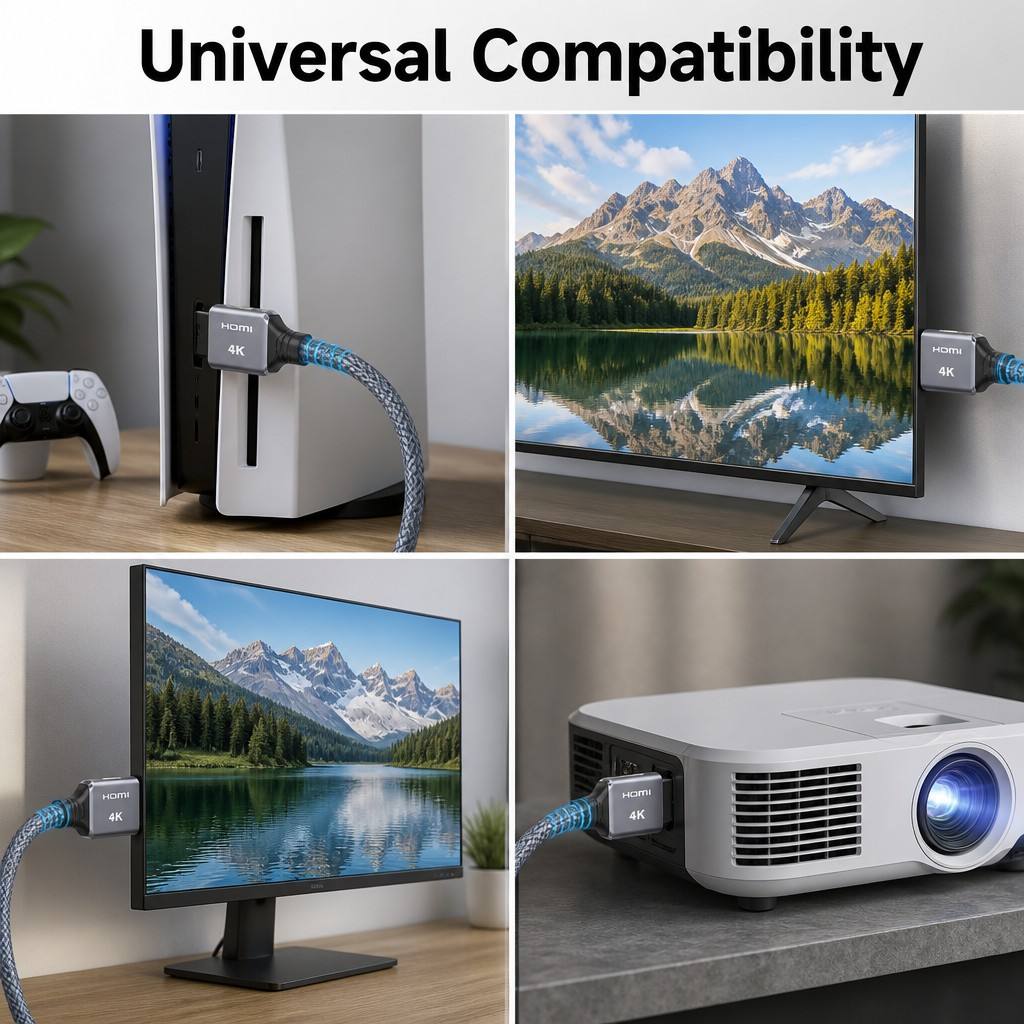
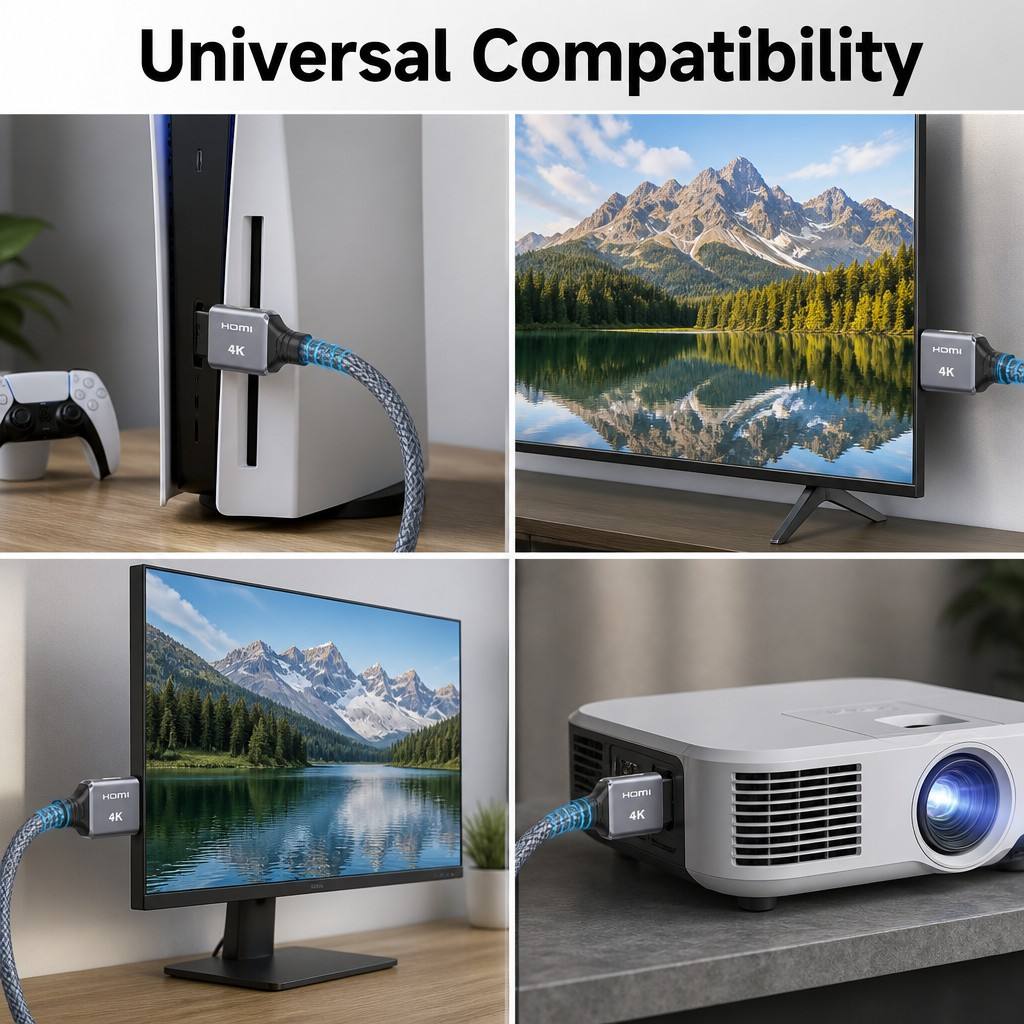
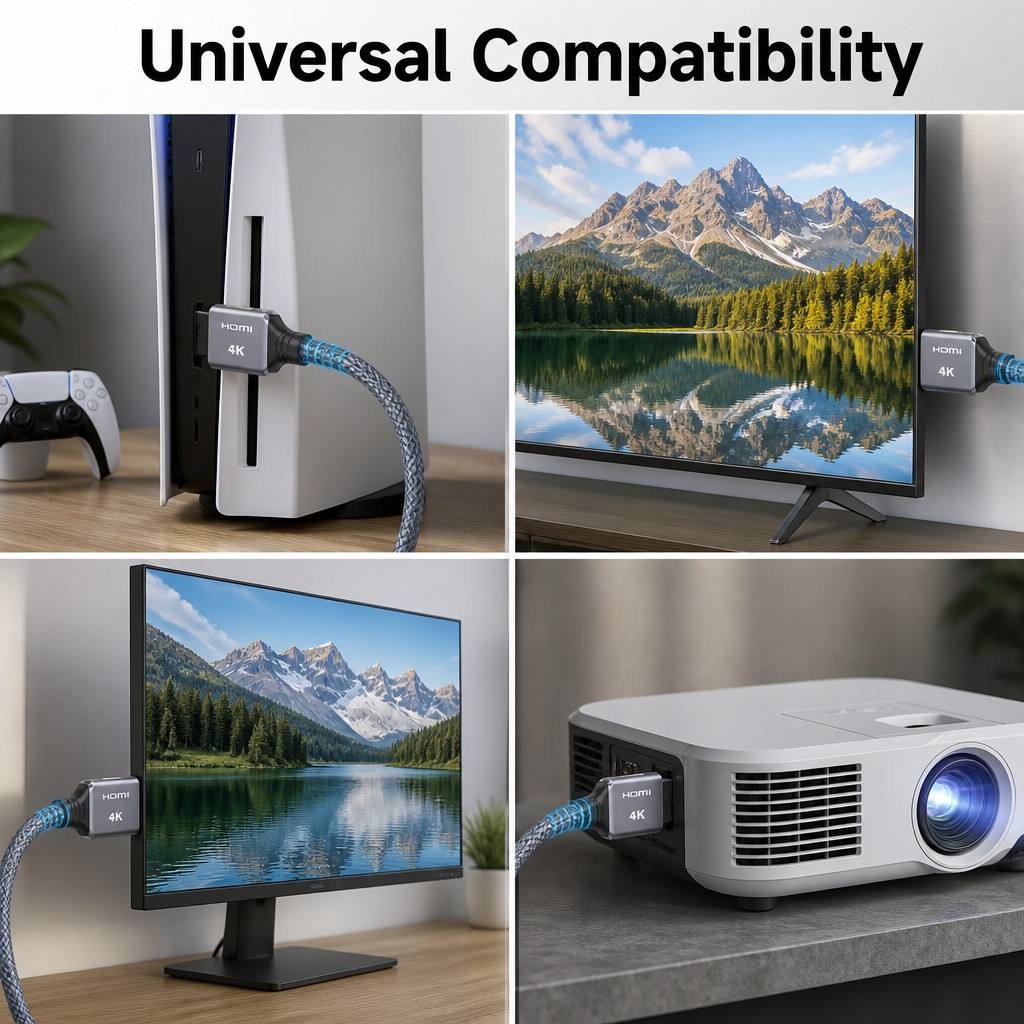
1. Choose HDMI Cable First: Audio-visual, Game Consoles & General Daily Use HDMI has over 20 years of development in the home audio-visual industry with an unmatched ecosystem. TV HDMI Cable , project
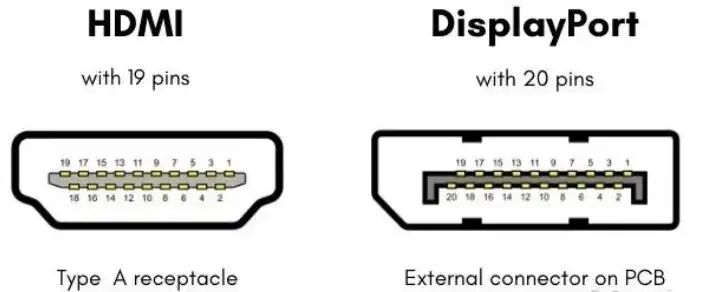
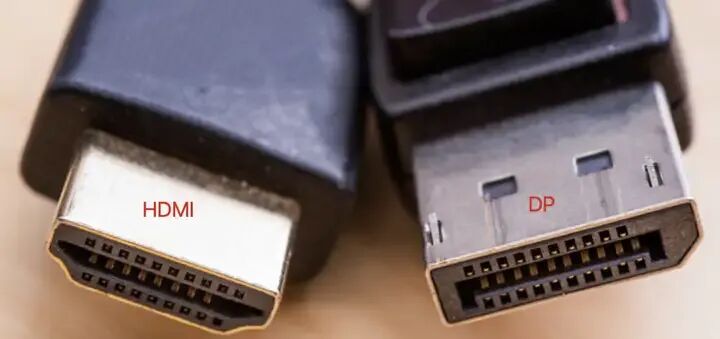
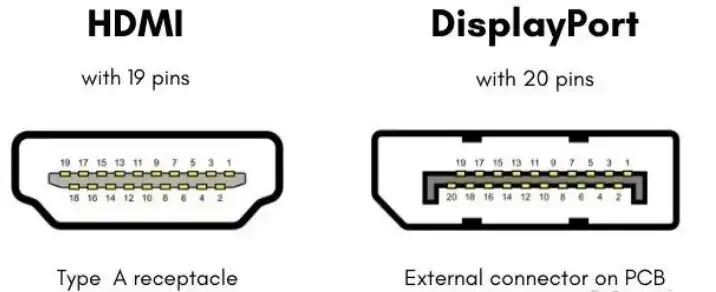
When you get a new computer, you will find two common ports on your graphics card: DP and HDMI. What are the differences between these two interfaces? Which one performs better? Today we will break th
Modern graphics cards and monitors usually come with two connection options: DisplayPort (DP) and HDMI. HDMI has been around for 20 years. You may think it does not matter which port you use — just pl
6. Measurement targets: Separate Source, Sink and Channel tests 6.1 Source / Tx Test Source test verifies: whether the transmitter meets requirements of corresponding test case under specified rate, l
Displayport Cable Test Guide: From Main Link, AUX to TP2, TP3, TP3_EQ The most misleading point about DisplayPort (DP) issues: user symptoms do not have a one-to-one mapping with root causes. Greyed-o
1. Video transmission follows the Bucket Effect The maximum achievable image quality, refresh rate and bandwidth of your setup are capped by the component with the lowest specification among three par
Have you ever wondered: your new graphics card and monitor come with both DP and HDMI ports. They look different yet both transmit high-definition video and audio. Since their functions are similar, w
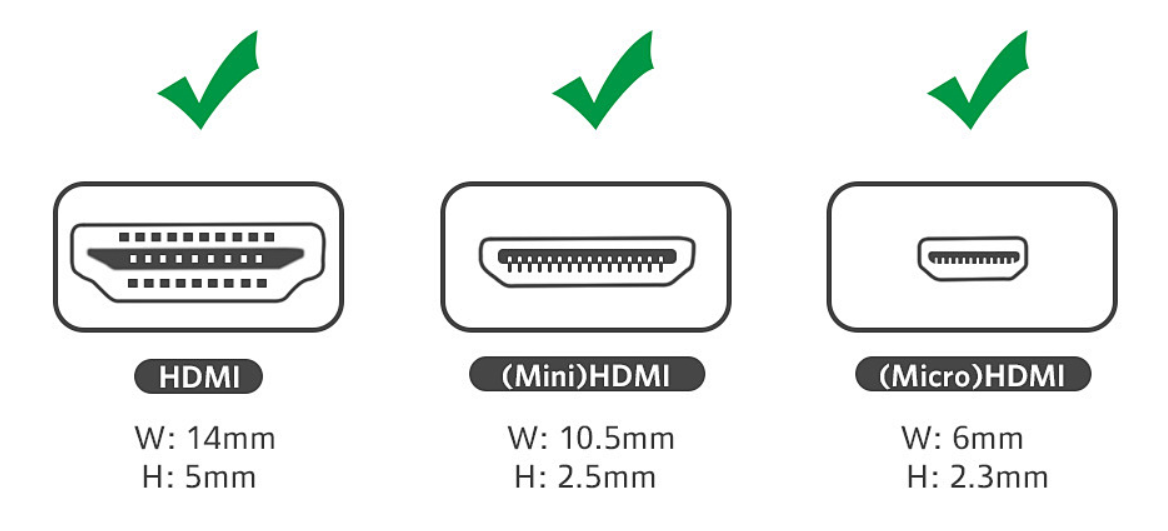
What is HDMI? HDMI stands for High?Definition Multimedia Interface. Simply put, it is a digital interface that transmits both video and audio signals at the same time. Before HDMI was available, multi
Got a new graphics card, but your monitor only runs at 60Hz after connection? Even with a 4K screen, the image still looks blurry? The culprit is likely this humble video cable. What Are These Two Int
Scroll down to load more.
Load more